IPTV stands for Internet Protocol Television: live TV channels and on-demand movies and series delivered over your internet connection instead of a cable line, satellite dish or antenna. You watch through an app on a device you already own, such as a Fire TV Stick, a smart TV or your phone, and it looks and feels a lot like cable, complete with a channel list and a TV guide. This guide explains what IPTV means, how it works, what you need to watch it and how it compares with cable and streaming apps.
IPTV is TV delivered over the internet. To watch it you need an internet connection (about 10 Mbps for HD and 25 Mbps for 4K), a device such as a Fire TV Stick or smart TV, a player app and an IPTV subscription that gives you a login.
What does IPTV stand for?
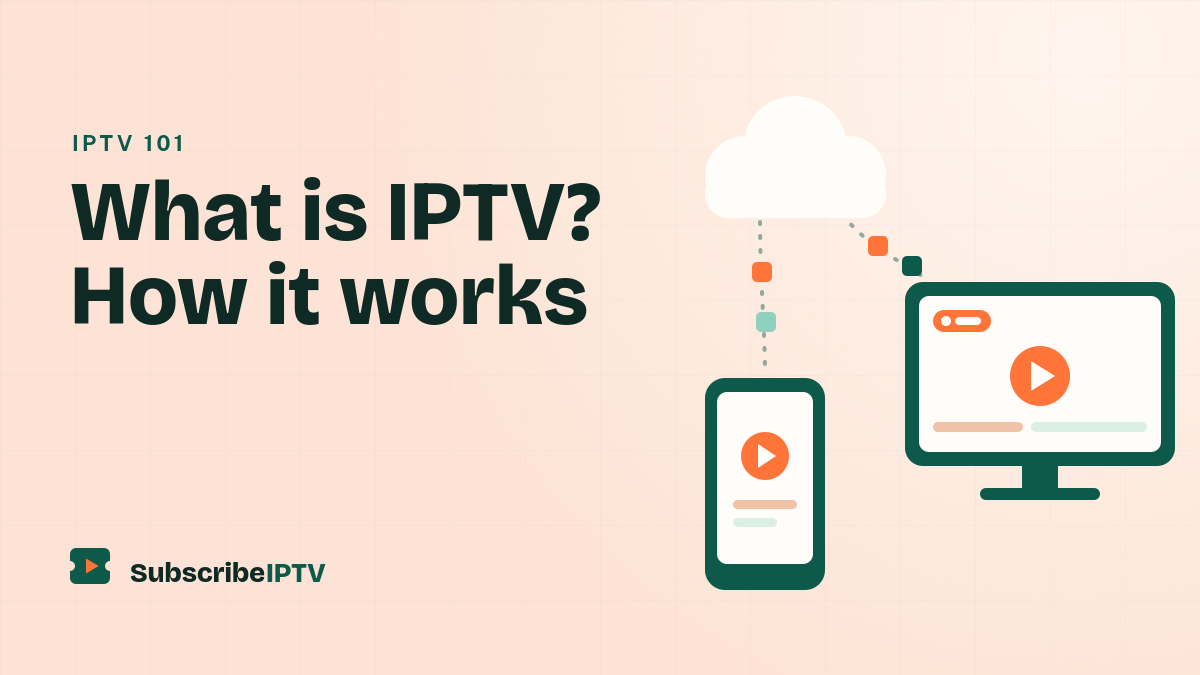
IPTV stands for Internet Protocol Television. Internet Protocol (IP) is the set of rules that moves all data across the internet, from web pages to video calls. With IPTV, TV travels the same way: the picture and sound are turned into small packets of data, sent over the network and put back together by the app on your screen.
The International Telecommunication Union, the UN agency for telecom standards, describes IPTV as television, video and other multimedia services delivered over IP-based networks. Its work on the technology is on the ITU’s IPTV standards page.
How does IPTV work?
Every IPTV service follows the same basic path from the channel to your screen:
- The provider receives the channels. Live feeds and on-demand files come into the provider’s systems.
- The video is encoded. Each feed is compressed into a digital stream, in formats such as H.264 or H.265, so it can travel efficiently.
- Servers deliver the streams. When you choose a channel, the provider’s servers send that stream to your device over the internet.
- Your player app plays it. The app on your TV or phone decodes the stream, shows the picture and keeps a small buffer so playback stays smooth.
Traditional cable sends every channel down the line at the same time. IPTV usually sends only the channel you’re watching, which is why your internet speed matters and why a busy home network can cause buffering.
Managed IPTV vs. internet IPTV
There are two kinds of IPTV. Managed IPTV runs on a phone or internet company’s own private network to a set-top box it supplies, and some US TV providers have used it in place of cable. Internet IPTV runs over the public internet to an app, so it works with any internet provider. When people talk about an IPTV subscription today, they almost always mean the internet kind.
How your login works
An IPTV service gives you one of two kinds of login. An Xtream Codes login is a server URL, a username and a password, and it loads live TV, the TV guide and the on-demand library automatically. An M3U link is a single web address that returns your channel list; our guide to M3U playlists explains how it works. The TV guide itself comes from EPG data, which our IPTV EPG guide covers.
Live TV, on demand and catch-up
- Live TV. Channels stream as they air, just like cable, organized into categories such as news, sports, entertainment, kids and international.
- Video on demand (VOD). A library of movies and series you can start, pause and resume whenever you like.
- Catch-up and time-shifted TV. Some services let you replay programs from the past few days or restart a show that has already begun, if the channel supports it.
IPTV vs. cable, satellite and streaming apps
IPTV sits between cable and streaming apps: it gives you live channels like cable, with the flexibility of an app.
| IPTV | Cable or satellite | Streaming apps | Antenna | |
|---|---|---|---|---|
| How it arrives | Over your internet connection | A cable line or satellite dish | Over your internet connection | Over the air |
| Live channels | Yes, often a large lineup | Yes | Mostly on demand; live TV services cost more | Local channels only |
| Equipment | A device you already own | A rented box for each TV | A device you already own | An antenna |
| Contract | Usually none | Often one or two years | Usually none | None |
| Needs internet | Yes | No | Yes | No |
Thinking about dropping cable altogether? Our guide to watching TV without cable compares every option, including free local channels with an antenna.
What you need to watch IPTV
- A steady internet connection. Plan on at least 10 Mbps for HD and 25 Mbps for 4K on the screen that’s streaming. Ethernet or 5 GHz Wi-Fi works best, and our 4K IPTV guide covers what else 4K needs.
- A device. A Fire TV Stick, a Samsung or LG smart TV, an Android TV or Google TV device, an Apple TV, an iPhone or Android phone, a computer or a MAG box. Our setup guide covers each one, and our Firestick IPTV guide walks through the most popular device step by step. Have a Roku? Our guide to IPTV on Roku shows what works.
- A player app. The app that shows your channels and TV guide, such as TiviMate, IPTV Smarters or IBO Player Pro. Compare them in our best IPTV player guide.
- An IPTV subscription. The service that supplies the channels and your login. Our IPTV USA subscription starts at $19.99 with one payment and no contract.
Do you need an IPTV box?
Usually not. An “IPTV box” is simply a streaming device, and most people already have one: Fire TV Sticks, smart TVs and Android TV boxes all run IPTV player apps. Dedicated boxes such as MAG devices still exist and work well, but you don’t need to buy one to get started.
How to start watching IPTV
- Test your speed on the device you’ll watch on.
- Install a player app from your device’s app store.
- Get your login. Subscribe or start a free 24-hour trial, and your login arrives by email.
- Sign in. Enter the server URL, username and password, or paste your M3U link. If the app says “failed to authorize”, our login error guide has the fixes.
- Start watching. Open Live TV, browse the guide or pick something from the on-demand library.
Is IPTV legal?
IPTV itself is a legal technology. It’s simply a way of delivering TV over IP networks, and licensed TV providers use it widely. The legal question is about the provider, not the technology: a service needs the rights to the channels and shows it streams.
A few warning signs suggest a service is cutting corners: free public playlists, “lifetime” subscriptions for a single small fee, no published terms or refund policy, and no way to reach support. Laws differ from place to place, so if you’re unsure, check the rules where you live.
Pros and cons of IPTV
| Pros | Cons |
|---|---|
| Usually costs less than a cable package | Picture quality depends on your internet connection |
| No contract, no box rental and no installer visit | Quality and reliability vary between providers |
| Works on devices you already own | Setup takes a few minutes per device |
| A large live lineup plus an on-demand library | Extras such as catch-up depend on the channel |
Because quality varies so much between services, it pays to test before you commit. Our checklist for choosing an IPTV service in the USA shows what to look for, and our IPTV price guide explains what you should expect to pay.
More IPTV guides
- The basics: What is Xtream Codes?, What is an M3U playlist?, IPTV EPG explained and 4K IPTV
- Setup: IPTV on Firestick, setup for every device, the best IPTV player, Apple TV apps and IPTV on VLC
- Fixes: IPTV not working, buffering and login errors
- Buying: the best IPTV in the USA, IPTV prices, TV without cable and our free trial
IPTV FAQ
What does IPTV stand for?
IPTV stands for Internet Protocol Television. It means TV channels and on-demand video delivered over internet networks instead of a cable line, satellite dish or antenna.
How does IPTV work?
A provider encodes TV channels into digital streams and sends the one you choose over the internet to a player app on your device. The app decodes the stream and shows it with a channel list and TV guide.
Is IPTV legal?
IPTV is a legal technology that many licensed TV providers use. Whether a particular service is legal depends on whether it has the rights to the channels and shows it streams.
What do I need to watch IPTV?
An internet connection of at least 10 Mbps for HD, a device such as a Fire TV Stick or smart TV, a player app and an IPTV subscription that gives you a login.
Do I need a box for IPTV?
No. Most streaming sticks, smart TVs and phones can run an IPTV player app. A dedicated box such as a MAG device is optional.
Can I watch IPTV without internet?
No. IPTV streams over your internet connection, so you need to be online. For free TV without internet, an antenna picks up local broadcast channels.
Is IPTV the same as streaming?
IPTV is a type of streaming. The difference is mostly what you get: IPTV usually means live TV channels with a TV guide, while apps such as Netflix focus on shows and movies on demand.