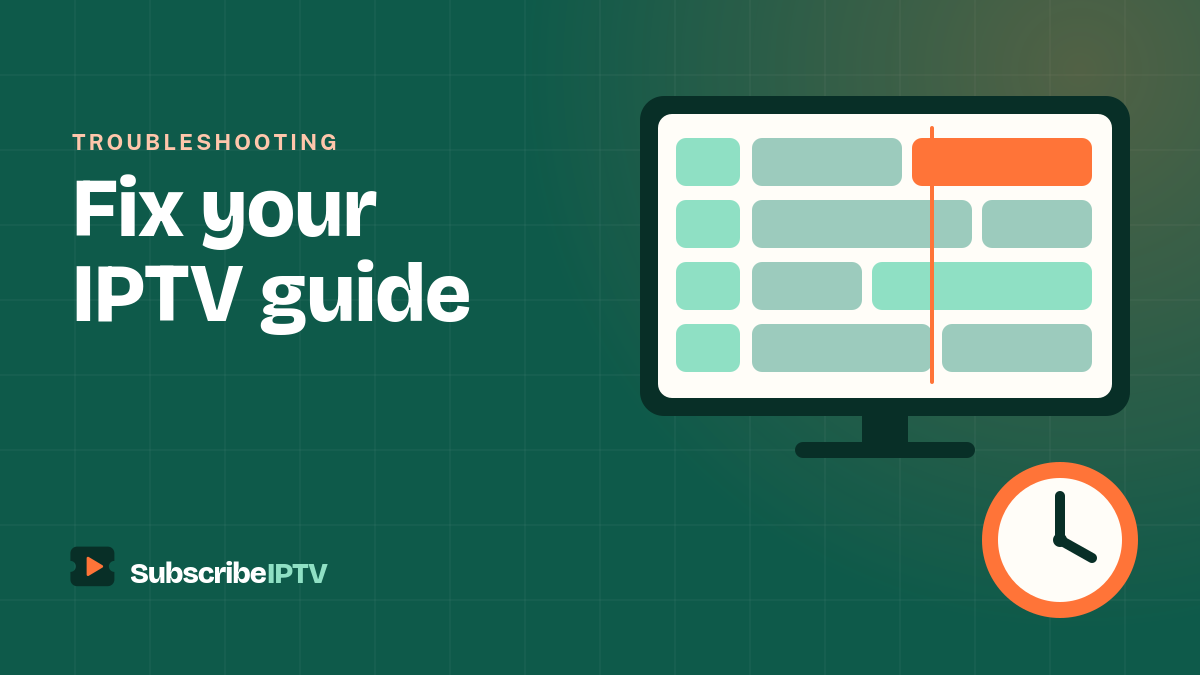
The EPG is the on-screen TV guide in your IPTV app: the grid that shows what’s on now, what’s next and what’s coming up tonight. When it works, IPTV feels just like cable. When it’s empty or shows the wrong times, it’s one of the most frustrating problems to troubleshoot. This guide explains how IPTV EPG works and how to fix a guide that’s missing, incomplete or out of sync.
EPG stands for Electronic Program Guide. In IPTV, the guide usually comes from an XMLTV file, a data feed with every program’s title and start and end times, which your player matches to your channels.
How IPTV EPG works
With cable, the guide arrives with the TV signal. With IPTV, the channel streams and the guide data are delivered separately:
- Your player loads your channel list, either through an Xtream Codes login or an M3U playlist.
- It downloads the guide data, a list of programs and times for each channel.
- It matches the two using a channel ID. When the IDs line up, the right listings appear next to each channel.
Most EPG problems come from step 2 (the guide never downloaded) or step 3 (the IDs don’t match).
What is an EPG file?
An EPG file is usually an XMLTV file: a structured text document, often compressed as .xml.gz, that lists channels and programs. Each program entry includes the channel ID, the start and end times with a time-zone offset, the title and often a short description. Your player reads this file and turns it into the guide grid you scroll through.
Because times are stored with an offset, a well-formed guide shows the correct local time anywhere in the US, whether you’re on Eastern, Central, Mountain or Pacific time, as long as your device’s clock and time zone are set correctly.
How to add EPG to your IPTV player
With an Xtream Codes login
Nothing extra is needed. Players such as TiviMate, IPTV Smarters and IPTVX download the guide automatically when you log in with Xtream Codes. This is the easiest way to get a working EPG.
With an M3U playlist
Look for an EPG or XMLTV field in your player’s playlist settings and paste the guide link your provider sent you. Some playlists include the guide address in their first line, and many players pick that up automatically.
In Kodi
Open the PVR IPTV Simple Client add-on, choose Configure, and add your XMLTV link in the EPG settings. Restart Kodi afterwards.
Not sure which player to use? Our best IPTV player guide compares guide features across devices.
How to fix a missing or wrong IPTV EPG
1. Give it time after the first login
The first guide download can take a few minutes on a large channel list. Leave the app open on the guide screen before assuming something is broken.
2. Update the EPG manually
Open your player’s settings and choose the option to update or refresh the EPG. In most apps it sits in an EPG or TV guide section of the settings.
3. Check that a guide source is added
If you use an M3U link, make sure the EPG or XMLTV link is filled in. Without it, the player has no listings to show.
4. Fix the time zone and clock
If programs appear an hour or more early or late, check that your device’s date and time are set automatically and that the time zone is correct. Many players also have an EPG time shift setting to nudge listings forward or back.
5. Re-link channels that show no listings
When only some channels are blank, their IDs probably don’t match the guide. Refresh the playlist first. If a few channels are still empty, many players let you manually choose which guide listing a channel should use.
6. Clear the app cache
A corrupted guide cache can leave the grid empty. Clear the player’s cache (not its data) from your device’s app settings, then update the EPG again.
7. Set a regular update interval
Set the guide to update daily so listings never run out. Most guides cover several days ahead, but they need refreshing to stay current.
8. Contact your provider
If the guide is empty for every channel after these steps, ask your provider to confirm the guide link and your account status. SubscribeIPTV customers can message our support team.
For other issues, such as streams that stall, see our IPTV buffering fixes and the quick fixes in our setup guide.
Do you need a separate EPG source?
Usually not. Your provider’s own guide is built to match its channel IDs, so it gives the most complete result. Some people add a third-party EPG source to fill gaps on a handful of channels, but mixing sources means more manual matching. Start with your provider’s guide and only add another source if specific channels stay empty.
With SubscribeIPTV, the guide comes with your subscription and loads automatically through Xtream Codes. You can see how it looks on your own TV with a free 24-hour trial.
IPTV EPG FAQ
What does EPG stand for?
EPG stands for Electronic Program Guide, the on-screen TV guide that shows what’s on each channel now and later.
What is an EPG file?
An EPG file is a data file, usually in XMLTV format, that lists TV programs with their channel, start and end times, title and description. IPTV players read it to build the guide grid.
Why is my IPTV EPG not showing?
The guide may not have downloaded yet, the EPG link may be missing from an M3U setup, or the channel IDs may not match. Update the EPG in your player’s settings, check that a guide source is added and refresh your playlist.
Why does my TV guide show the wrong times?
Usually the device’s time zone or clock is wrong. Set the date and time to automatic, choose the correct time zone and, if needed, adjust the EPG time shift setting in your player.
How often does IPTV EPG update?
It depends on your player’s settings. A daily update is a good choice, so the guide always covers the next few days.
Do I need a separate EPG source?
Usually not. Your provider’s guide matches its channels best. Add a third-party source only if specific channels stay empty after refreshing.