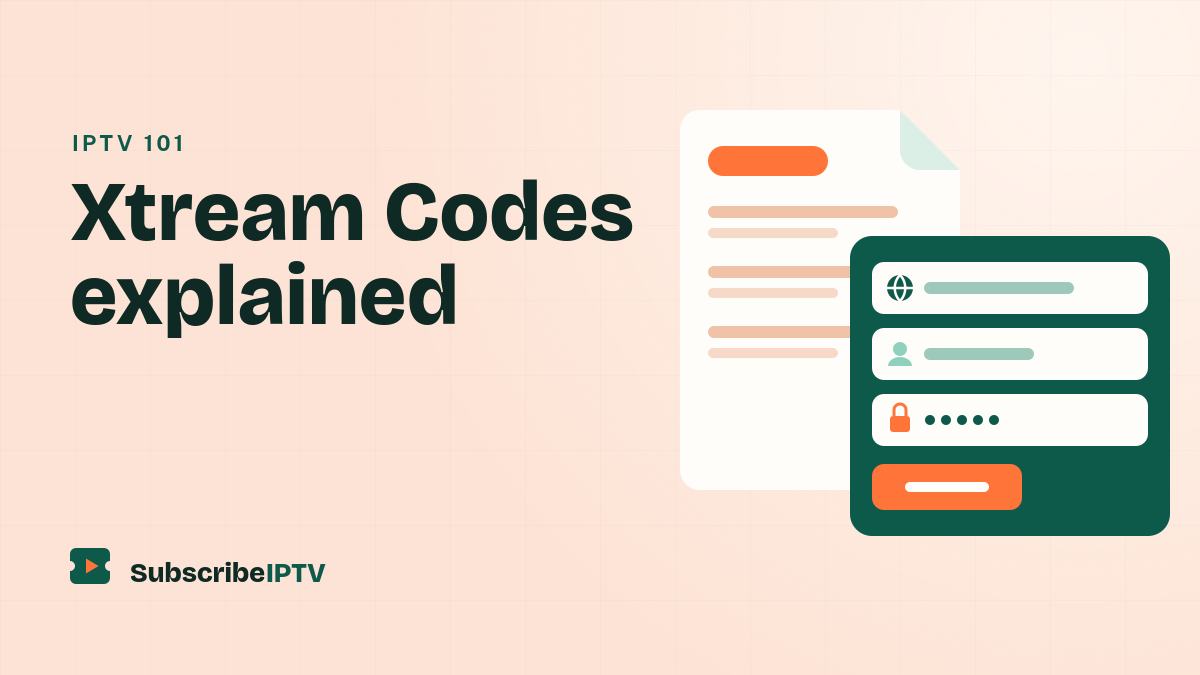
Xtream Codes is the most common way to sign in to an IPTV service. Instead of one long playlist link, you get three details: a server URL, a username and a password. Enter them in a player app and it loads your live channels, TV guide, movies and series automatically. This guide explains what Xtream Codes is, how the Xtream IPTV login works and when an M3U link is the better choice.
Xtream Codes is a login format: a server URL with a port number (such as http://example-server.com:8080), a username and a password. Most IPTV players support it, and it’s usually faster and more complete than an M3U link.
What is Xtream Codes?
Xtream Codes started as the name of a widely used IPTV management panel: the software providers use to run their service and create customer accounts. The panel came with an API, a standard way for apps to ask the server for a customer’s channels, TV guide and on-demand library. That API is what people mean today when they talk about an Xtream Codes login, an Xtream Codes API login or an Xtream IPTV login.
The original company closed in 2019 after an investigation in Italy, and an Italian appeals court later found no evidence that it had acted illegally, as TorrentFreak reported. Newer panels kept the same API, which is why almost every IPTV player still supports the format.
What an Xtream Codes login looks like
Your provider sends three details, usually by email:
| Detail | Example | What it is |
|---|---|---|
| Server URL | http://example-server.com:8080 | The provider’s server, including the port number after the colon |
| Username | ABC123 | Your personal account name |
| Password | xY7k2Pq | Your account password |
Some apps also ask for a name for the playlist. That’s just a label for you, such as SubscribeIPTV, and it doesn’t affect the login.
Xtream Codes vs. M3U
An M3U link is a single web address that returns your whole channel list as a text file. Both give you the same channels, but they work differently:
| Xtream Codes | M3U link | |
|---|---|---|
| What you enter | A server URL, username and password | One long web address |
| Loading speed | Fast: the app asks only for what it needs | Slower with large lineups, because the whole list downloads at once |
| TV guide | Loads automatically | Often needs a separate EPG link |
| Movies and series | Sorted into libraries, with posters and seasons | Often one long list, if included at all |
| Account details | Many apps show your end date and connections | Not shown |
| App support | Most IPTV players | Almost every player, including VLC |
Which should you use? Choose Xtream Codes whenever your app supports it. Use the M3U link for players that only accept playlists, such as VLC, or for apps like IBO Player Pro where you add your playlist on the app’s website.
Which apps support Xtream Codes?
- TiviMate on Android TV, Google TV and Fire TV: Xtream Codes or M3U
- IPTV Smarters Pro on Fire TV, Android, iPhone, iPad and Samsung TVs: Xtream Codes or M3U
- IPTVX, UHF and GSE Smart IPTV on Apple devices: Xtream Codes or M3U
- IBO Player Pro on Samsung and LG TVs and Roku: a playlist added on the app’s website
- VLC on computers and phones: M3U only
See our guide to the best IPTV player for the right app on each device.
How to sign in with Xtream Codes
- Open your player and choose the option to add a playlist or user, usually labeled Xtream Codes or Login with Xtream Codes API.
- Enter the server URL exactly as your provider sent it, starting with http:// and ending with the port number. Don’t add anything after the port.
- Enter your username and password. Both are case-sensitive.
- Save and wait a moment while the app loads your channels, guide and on-demand library.
Step-by-step instructions for each device are in our setup guide, and our Firestick guide covers TiviMate and IPTV Smarters in detail. If the app says “failed to authorize”, our login error guide walks through every fix.
One login, three addresses
An Xtream Codes login also gives you the other addresses your apps might ask for. On most IPTV services they follow the same pattern:
- M3U playlist:
http://SERVER:PORT/get.php?username=USER&password=PASS&type=m3u_plus - TV guide (EPG):
http://SERVER:PORT/xmltv.php?username=USER&password=PASS - Account check:
http://SERVER:PORT/player_api.php?username=USER&password=PASS
Replace the capital letters with your own details. Use the M3U address in apps that don’t offer an Xtream Codes login, such as the M3U player channels used for IPTV on Roku. The account check makes a handy test: open it in a browser, and if the page shows “auth”:1, your login works. Our EPG guide explains how to add a guide link to apps that need one.
Keep your login safe
- Don’t share it. Your login is tied to your plan’s connection limit, and sharing it can interrupt your own viewing.
- Don’t post screenshots of your login or any of the addresses above, because they contain your password.
- Only enter it in apps from official sources. A modified player can send your login somewhere else.
- Ask for a new password if you think someone else has your details.
New to IPTV? Our guide to what IPTV is and how it works covers the basics. Ready for your own login? Start with a free 24-hour trial or compare our IPTV USA plans.
Xtream Codes FAQ
What is Xtream Codes in IPTV?
Xtream Codes is a login format for IPTV services: a server URL, a username and a password. Player apps use it to load your channels, TV guide, movies and series automatically.
Is Xtream Codes better than M3U?
Usually, yes. Xtream Codes loads faster, brings in the TV guide automatically and sorts movies and series into libraries. Use M3U for players that only accept playlists, such as VLC.
Where do I find my Xtream Codes login?
Your IPTV provider sends it, usually by email when you subscribe or start a trial. If you only have an M3U link, the server URL, username and password are inside it.
What is the Xtream Codes API?
It’s the standard way IPTV apps request your channels, guide and on-demand library from a provider’s server. When an app offers “Login with Xtream Codes API”, it means this login format.
Does Xtream Codes still exist?
The original company closed in 2019, but its login format lives on. Newer IPTV panels kept the same API, so most player apps still support Xtream Codes logins.
Why does my Xtream Codes login say failed to authorize?
Usually because of a typo, a server URL without the port, an expired plan or the login already streaming on another device. Our failed to authorize guide covers every fix.